Video Upscale
A clip in, a bigger clip out.
A video in, the same video at a larger size out.
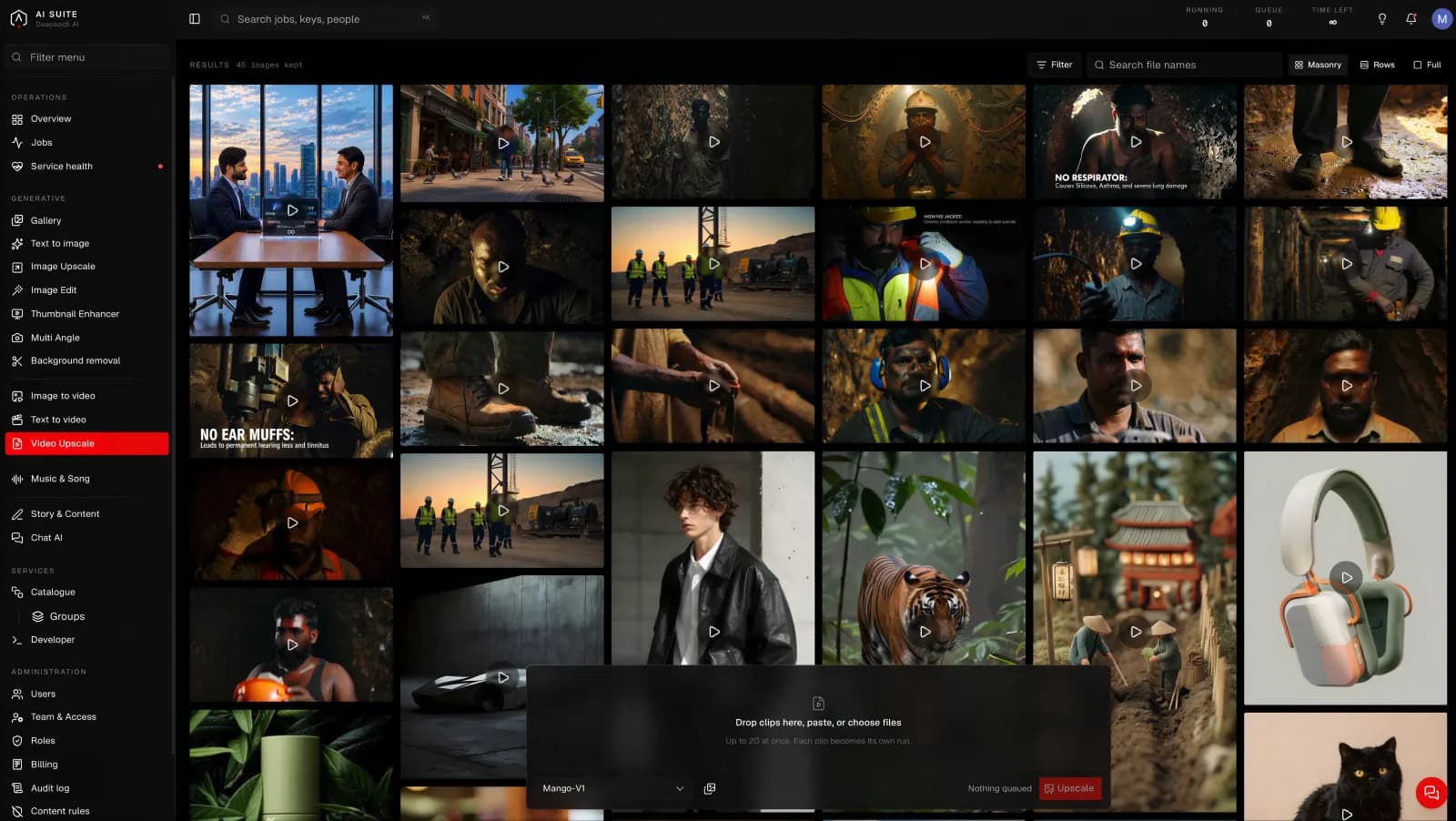
What it is for
Getting a clip up to the size a platform or a screen wants. Useful for older footage, and for finishing a clip you made here before it goes out.
What you give it
The clip, and how much larger you want it.
What you get back
The same footage at a larger size, with the detail rebuilt frame by frame.
The models
| Model | What it does |
|---|---|
| Mango-V2 | The current one. Start here. |
| Mango-V1 | The older one, kept so work that was made with it can be matched. |
Size, length and time
Two things decide how long a run takes, and both are yours to choose:
- A larger picture takes longer than a smaller one.
- A longer clip takes longer than a shorter one.
That is the whole rule, and it holds for every tool in the console. The button quotes you before you press, so you never have to work it out yourself. Change the size or the length and watch the estimate move.
On this page both apply at once: a longer clip has more frames, and a bigger clip has more of each frame.
How long it takes
It is doing the work of an image upscale once per frame, so it is the slowest thing here after a long video generation. Quoted before you press, and worth starting when you do not need to sit and wait.
Good to know
- Do it last. Edit, cut and choose first. There is no reason to upscale footage you are going to trim.
- It cannot fix a shaky or badly lit original, only make it larger.
- Longer clips cost proportionally more, because every frame is being worked on.
Getting more out of it
Upscale the final cut, not the raw clips. One pass on the thing you are actually publishing is the cheapest way through.