Thumbnail Enhancer
The same frame, in a completely different look.
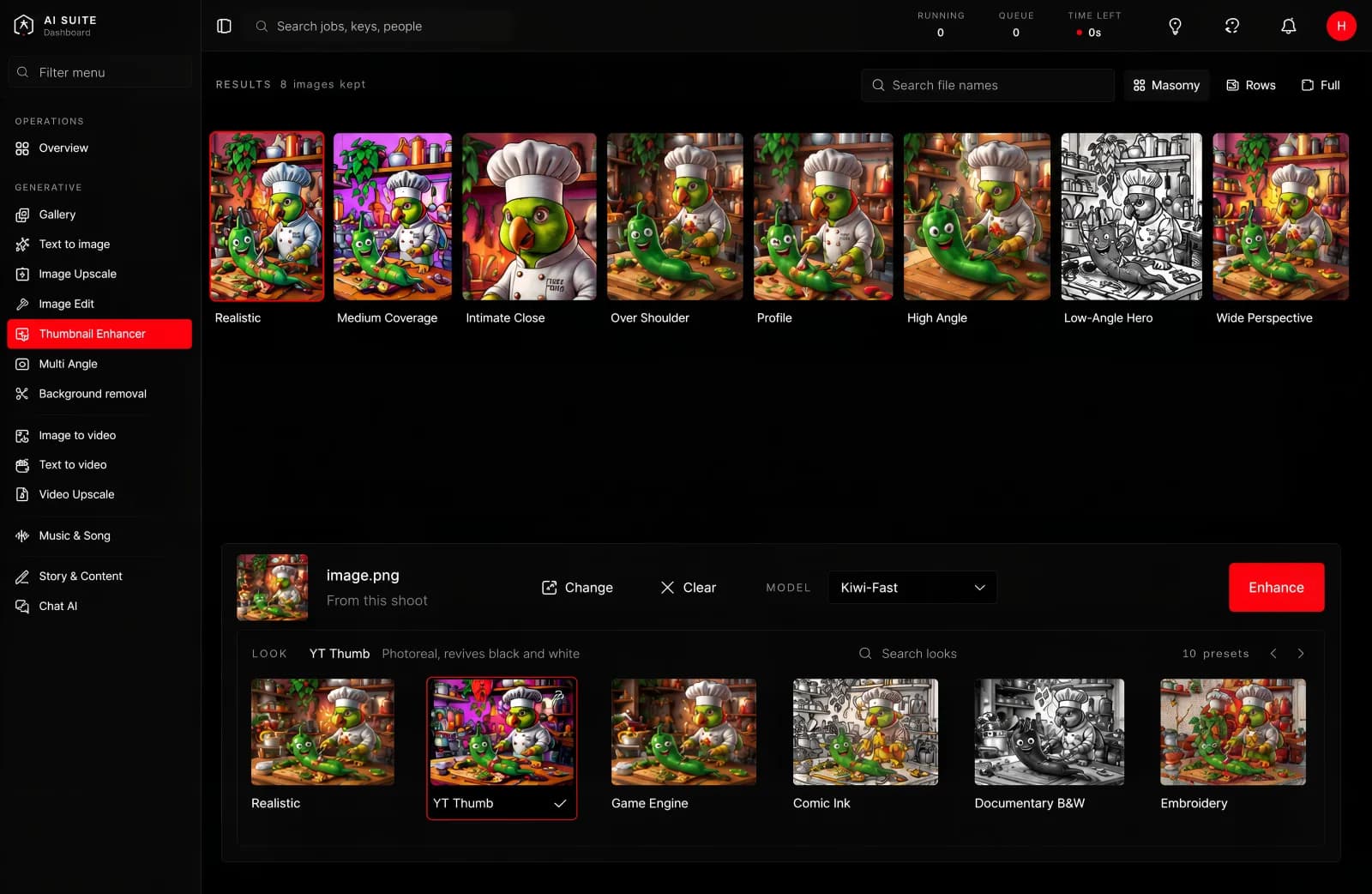
A picture in, the same picture in a new style out.
What it is for
Restyling a frame without changing what is in it. Made for video thumbnails, where the composition is already right and what you want is a look that stands out in a feed. It works on any picture.
What you give it
The picture, and a look. The looks are named for what they are: charcoal, comic ink, documentary black and white, embroidery, game engine, thumbnail, and several more.
What you get back
The same composition, restyled. Same subject, same framing, different treatment.

 Embroidery
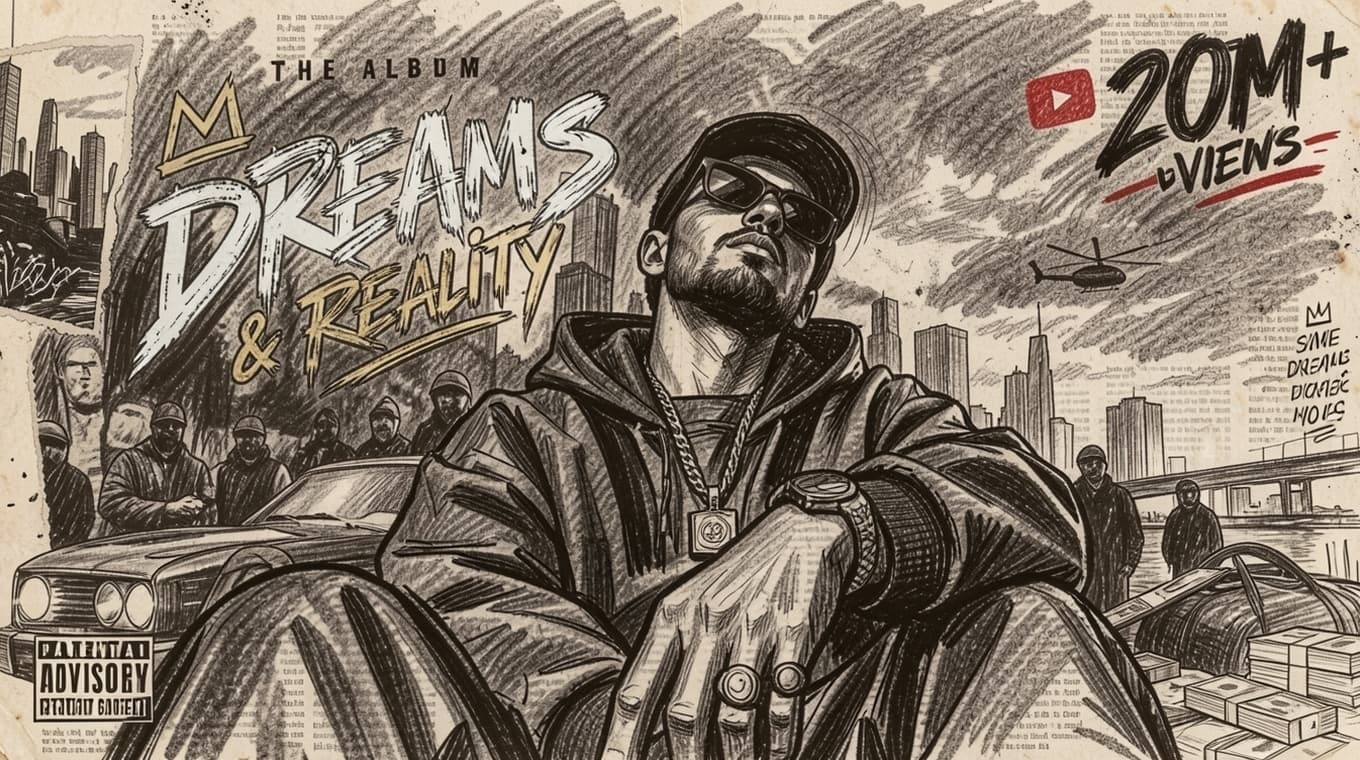 Charcoal
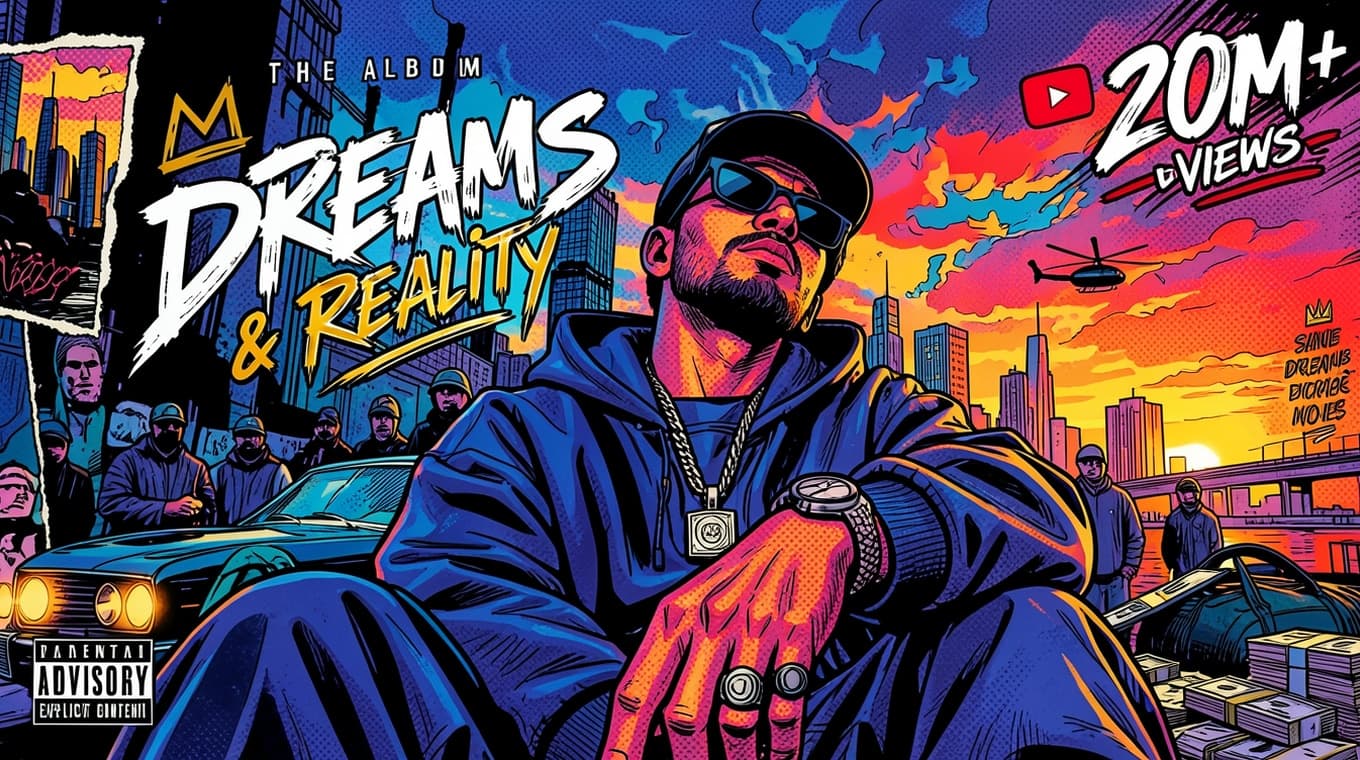 Comic Ink
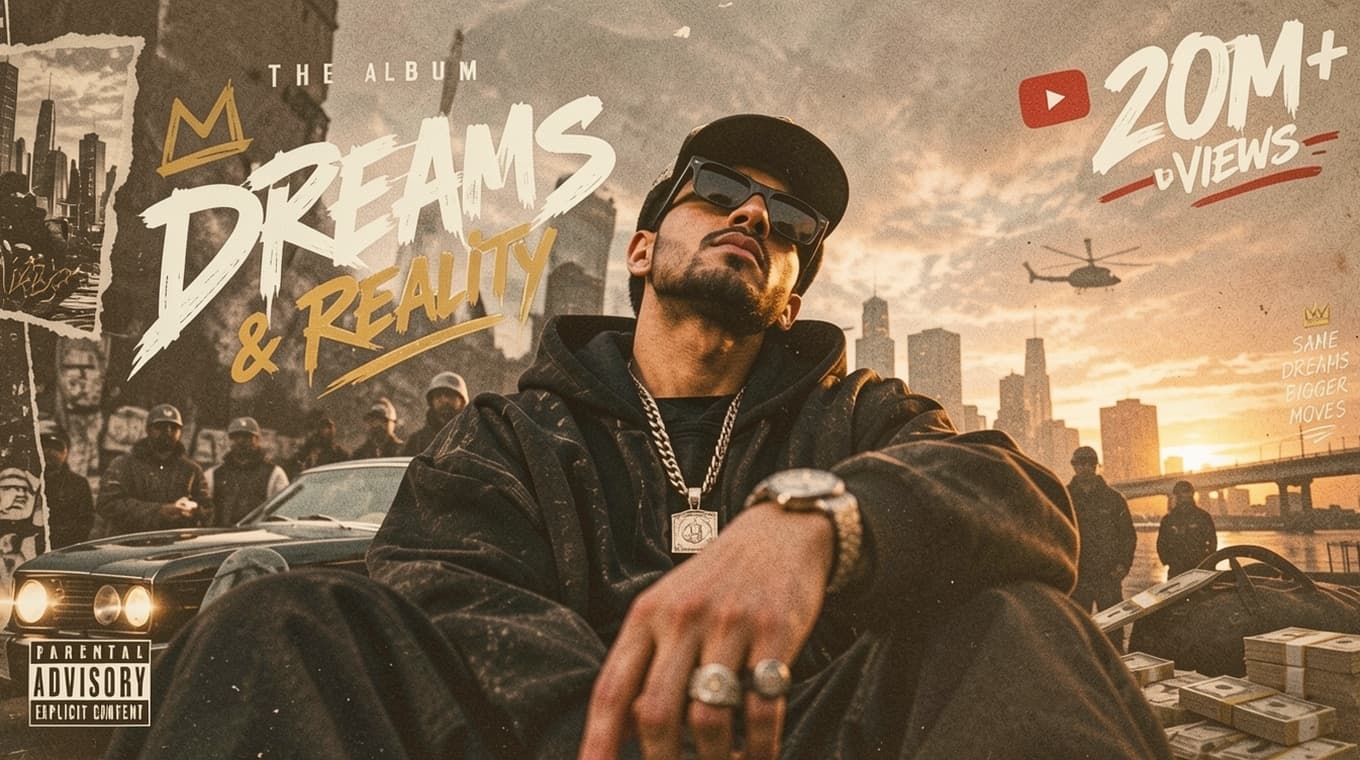 Documentary B&W
 Game Engine
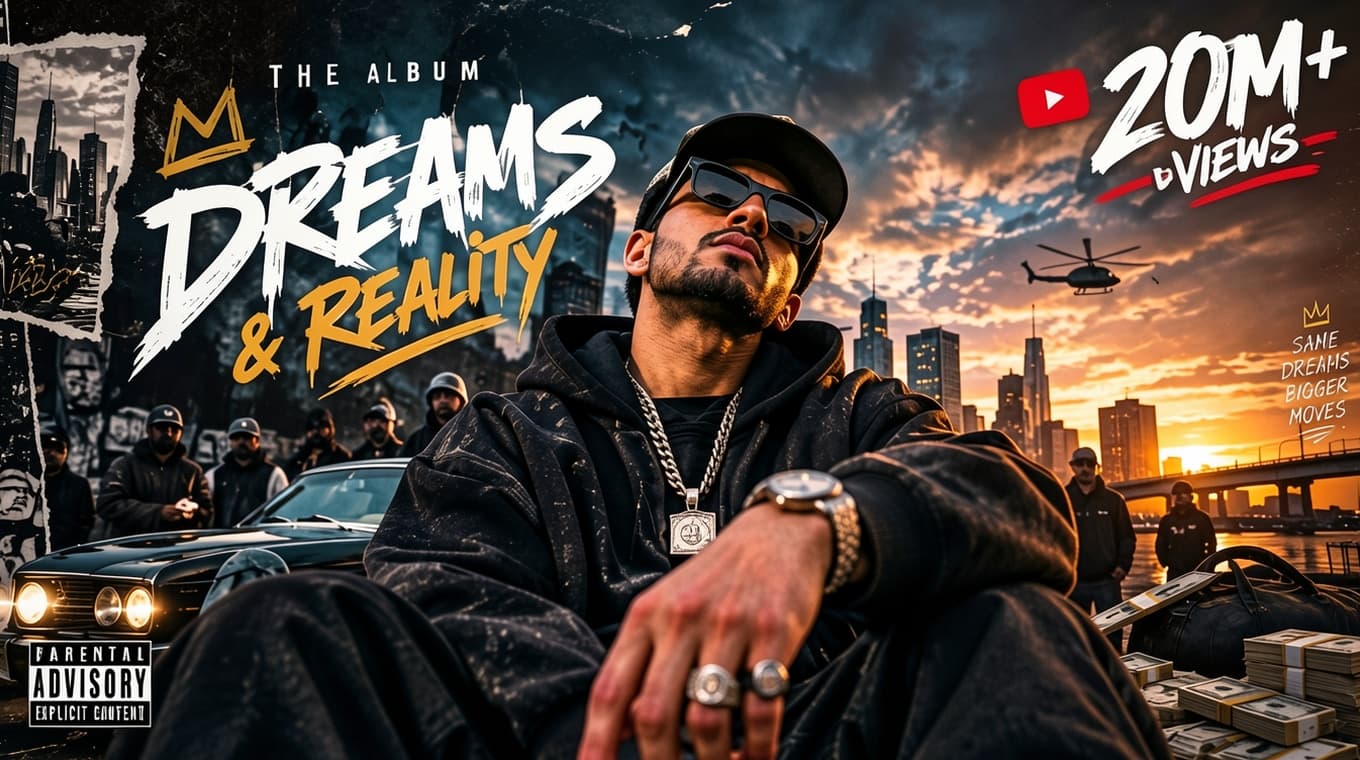 YT Thumb
The models
The same two the editor uses, because a look is an edit with the instruction already written for you.
| Model | Pictures it takes |
|---|---|
| Kiwi-Fast | Up to four |
| Pineapple-Fast | Up to three |
You do not have to write anything: choosing a look is what tells the model what to do.
Size, length and time
Two things decide how long a run takes, and both are yours to choose:
- A larger picture takes longer than a smaller one.
- A longer clip takes longer than a shorter one.
That is the whole rule, and it holds for every tool in the console. The button quotes you before you press, so you never have to work it out yourself. Change the size or the length and watch the estimate move.
How long it takes
One of the quickest tools here. Usually a few seconds per look.
Good to know
- It keeps the frame. That is the whole point of it. You are not getting a new picture, you are getting yours in a different finish.
- Some looks change faces more than others. The illustrated and painted looks take more liberties than the photographic ones.
- Try several. They are cheap and fast, and the one that works is usually not the one you expected.
Getting more out of it
Run the same frame through three or four looks and put them side by side. For a thumbnail, the one that reads clearly at the size of a phone thumbnail wins, which is rarely the most detailed one.