Text to video
A sentence in, a clip out, with no picture to start from.
A description in, a moving clip out.
What it is for
Video when you have nothing to start from. Quick concepts, backgrounds, filler shots, ideas for a pitch.
What you give it
A description of the shot, not of the whole film. One camera, one action.
A hummingbird hovering at a red flower, slow motion, soft green background.
The shape and the length. Portrait for reels and stories, landscape for everything else.
What you get back
A video file, straight to your gallery.
The model
| Model | What it does |
|---|---|
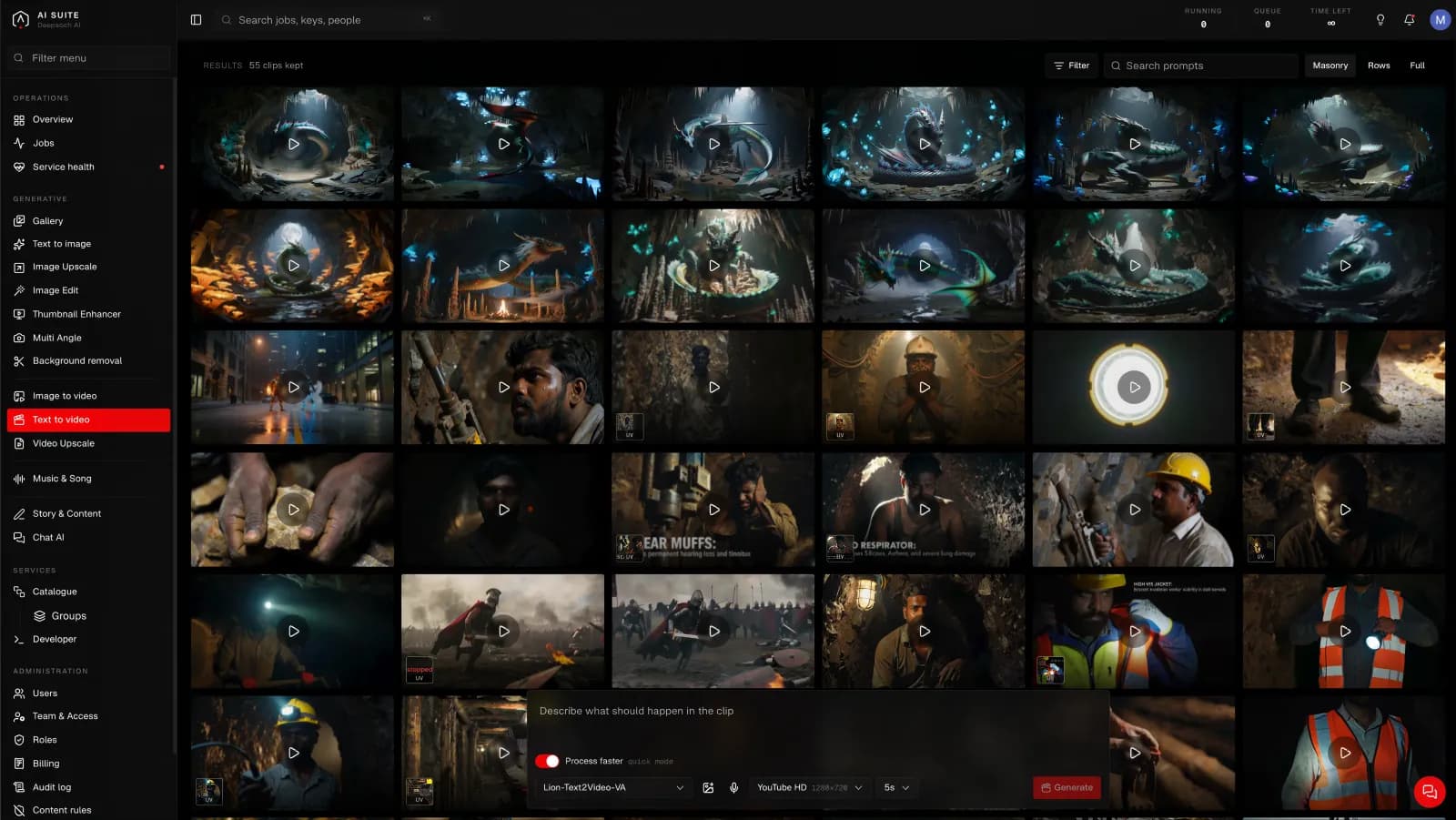
| Lion-Text2Video-VA | Makes a clip from a description alone. You choose the shape and the length. |
The shapes are named for where the clip is going: YouTube, YouTube HD, Facebook feed, Reels & Shorts, Instagram portrait, Pinterest, so you pick the platform rather than working out the numbers. Lengths are 3, 5, 8, 10 or 15 seconds.
Process faster
Both video pages carry one switch, and it is the biggest single decision on the screen, bigger than the length, bigger than the shape.
- On (the default): the model runs in its quick mode. Cheaper, faster, and good enough to tell whether an idea works.
- Off: full quality. Measured across the runs behind it, that is about twice the time, and the cost moves with it. The exact figure for your settings is on the button before you press, so you never have to guess.
Use it on. Trying a prompt, testing whether a photograph animates well, showing somebody a rough. Nearly all of the time, on a first attempt.
Turn it off for the one clip you are actually going to publish, once you already know the prompt and the picture are right.
The habit worth forming is: find it fast, then run it once properly. Running everything at full quality is the most common way to spend a balance on work you were always going to throw away.
There is no source picture on this page, so here the switch only changes the mode the model runs in.
Size, length and time
Two things decide how long a run takes, and both are yours to choose:
- A larger picture takes longer than a smaller one.
- A longer clip takes longer than a shorter one.
That is the whole rule, and it holds for every tool in the console. The button quotes you before you press, so you never have to work it out yourself. Change the size or the length and watch the estimate move.
How long it takes
It takes minutes, not seconds, and the two things that move it are the size and the length. As a rough shape, measured over five hundred real runs:
- A short clip at a feed size, with Process faster on: two to three minutes.
- The same clip at full HD: five to ten minutes.
- Fifteen seconds at full HD, at full quality: the better part of an hour.
Read those as an order of magnitude rather than a promise. The spread is wide: the same settings have come back in a quarter of the usual time and in four times it, because how busy the machines are counts too. The estimate on the button is the one that knows your settings, and it is measured from runs of exactly those settings.
Good to know
- One shot, not a scene. Asking for a sequence of events in one clip gives a muddle. Ask for a single moment.
- Less reliable than starting from a picture. If the look matters, Image to video gives you far more control, because you choose the frame first.
- Sound is not included. Add it with Music & Song.
Getting more out of it
If you find yourself running this repeatedly to get the look right, stop and make the frame with Text to image instead. It is faster, cheaper, and you can see exactly what you are getting before you commit to the video.