Multi Angle
One photograph, the same scene from sixteen cameras.
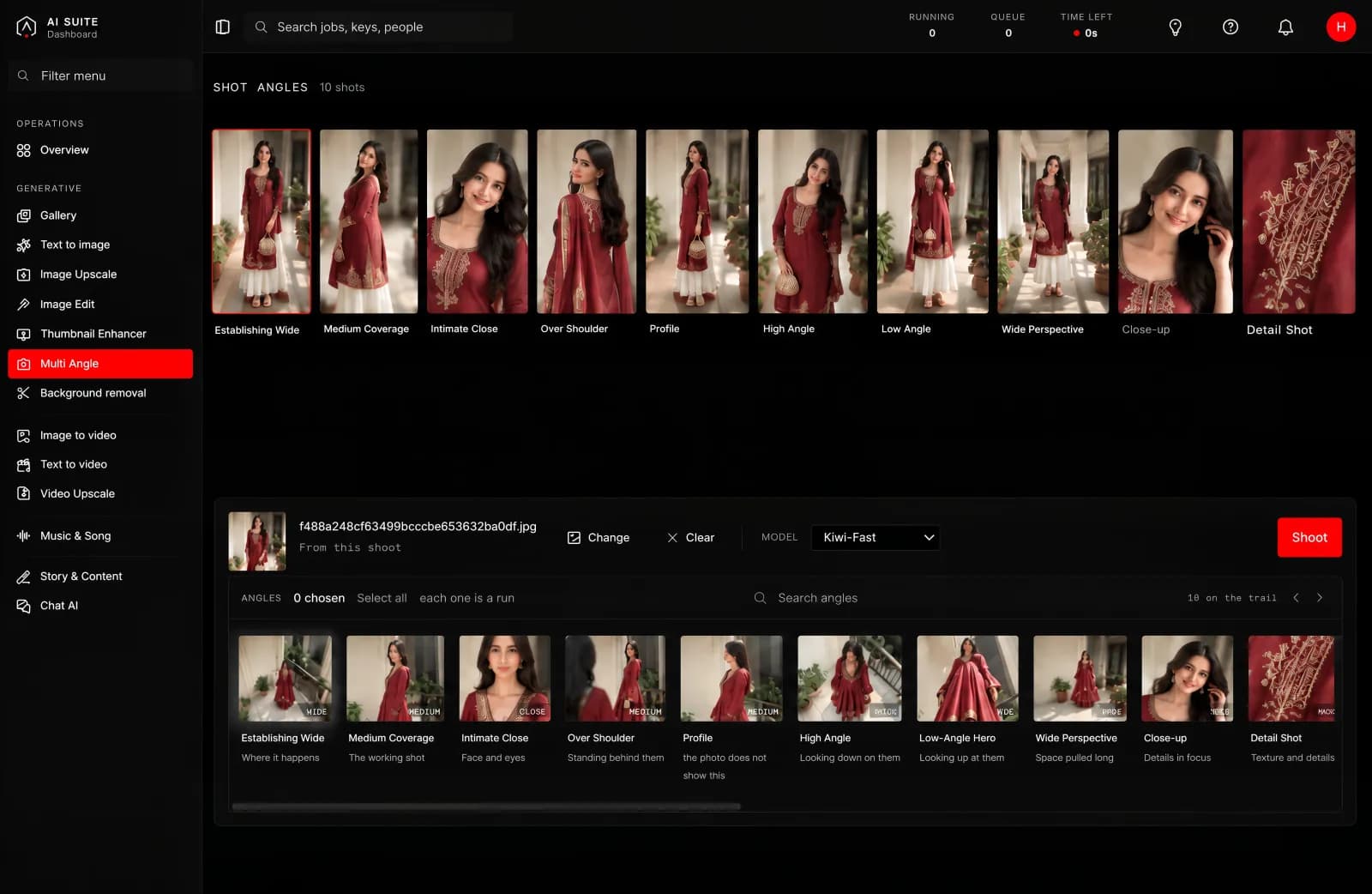
One picture in, the same subject from several camera positions out.
What it is for
Getting coverage from a single shot. A product from every side for a listing, a scene from several angles for a storyboard, a set of options when you only had budget for one photograph.
What you give it
One picture, and which angles you want. The angles are named for what a camera operator would call them: overhead, low angle, wide establishing, extreme close-up, following behind, and so on.
What you get back
A set of pictures of the same subject, each from a different position, in the shape that angle calls for. A wide establishing shot comes back wide; a portrait angle comes back tall.
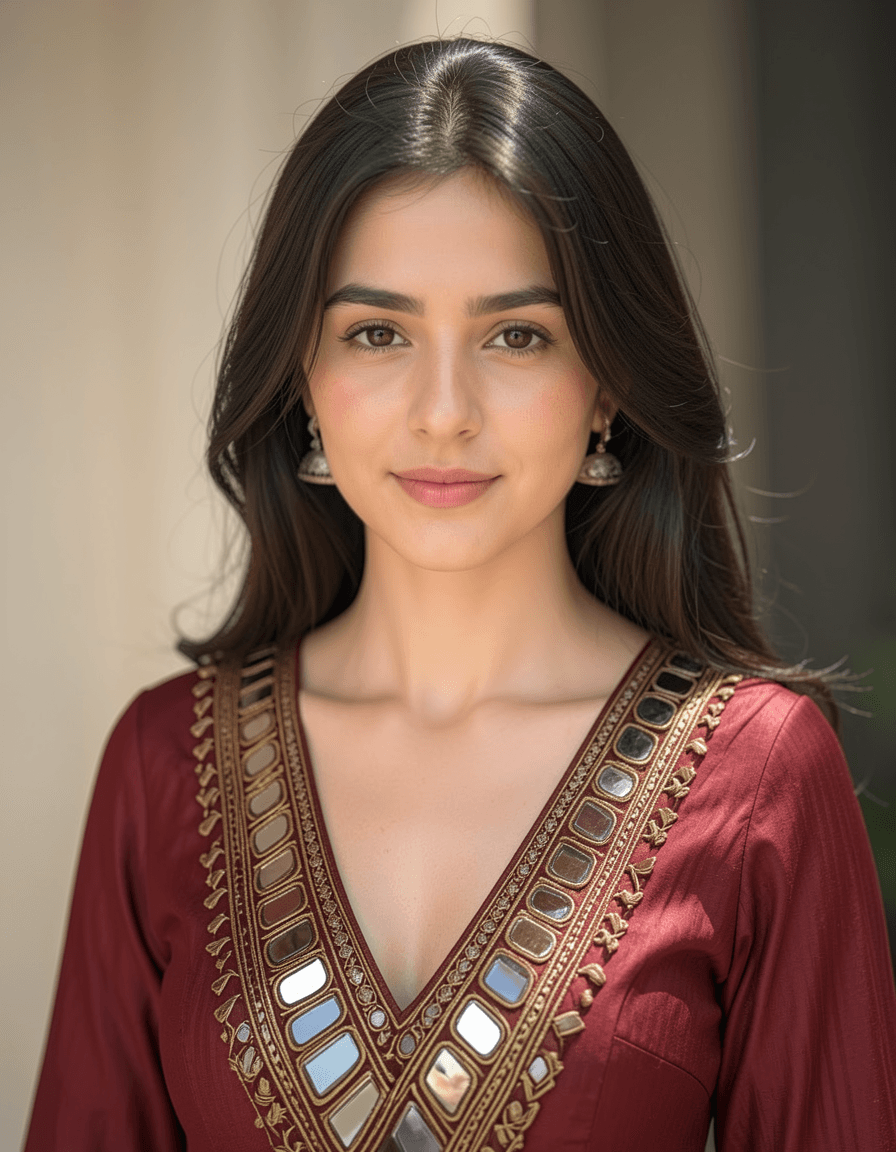 Intimate close
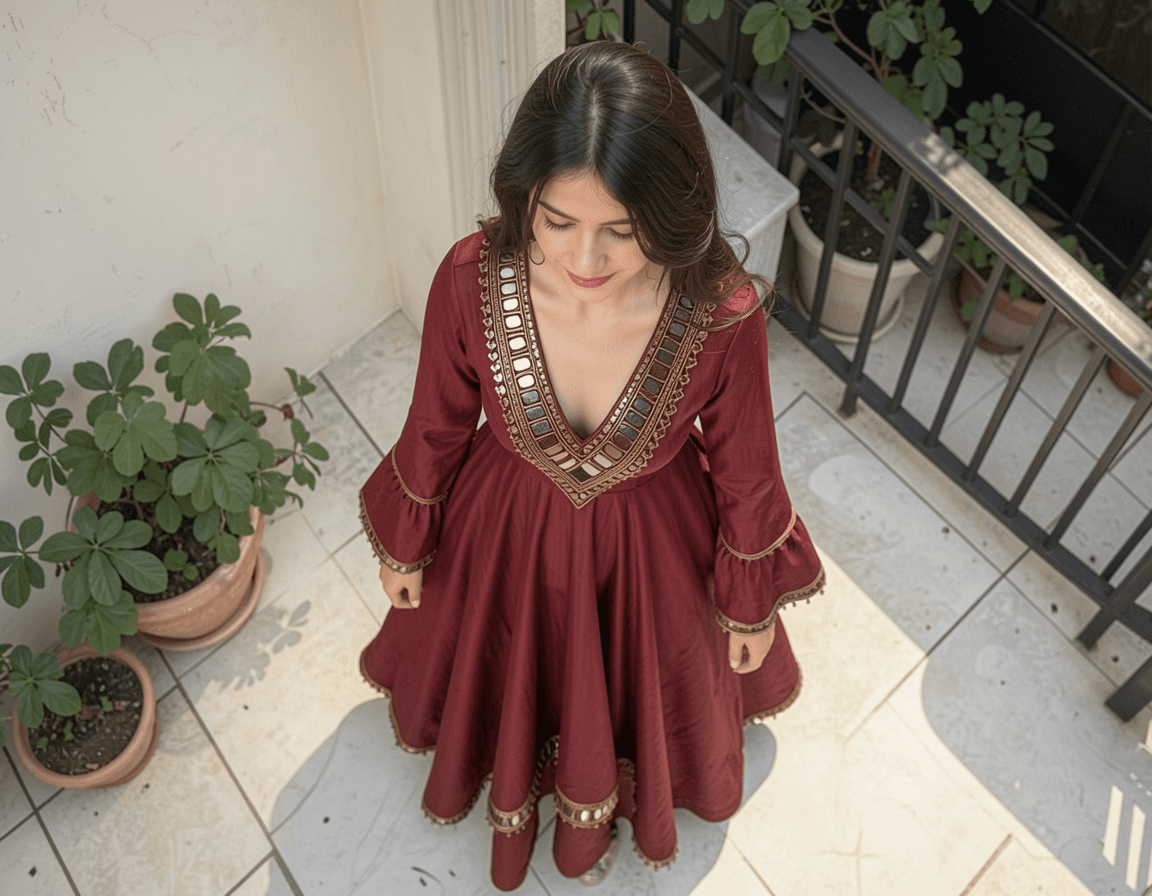 High angle
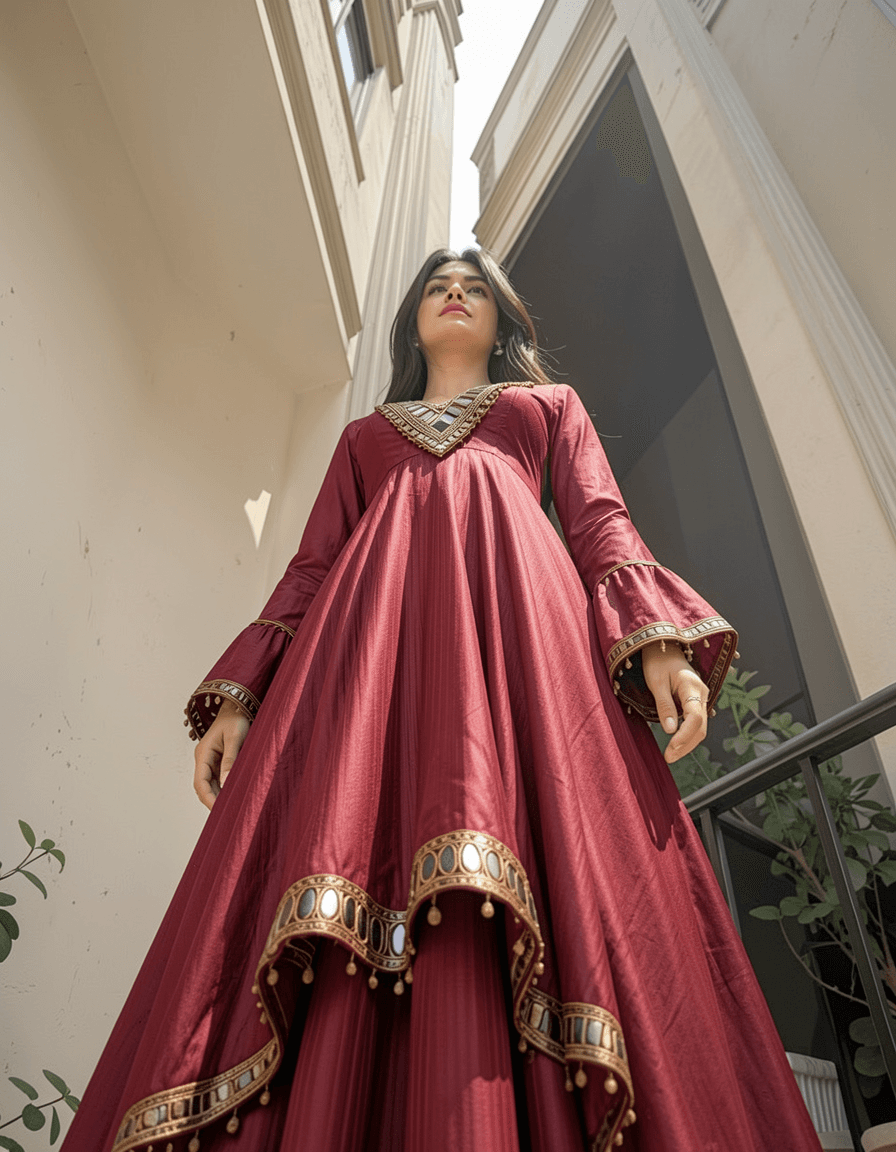 Low angle hero
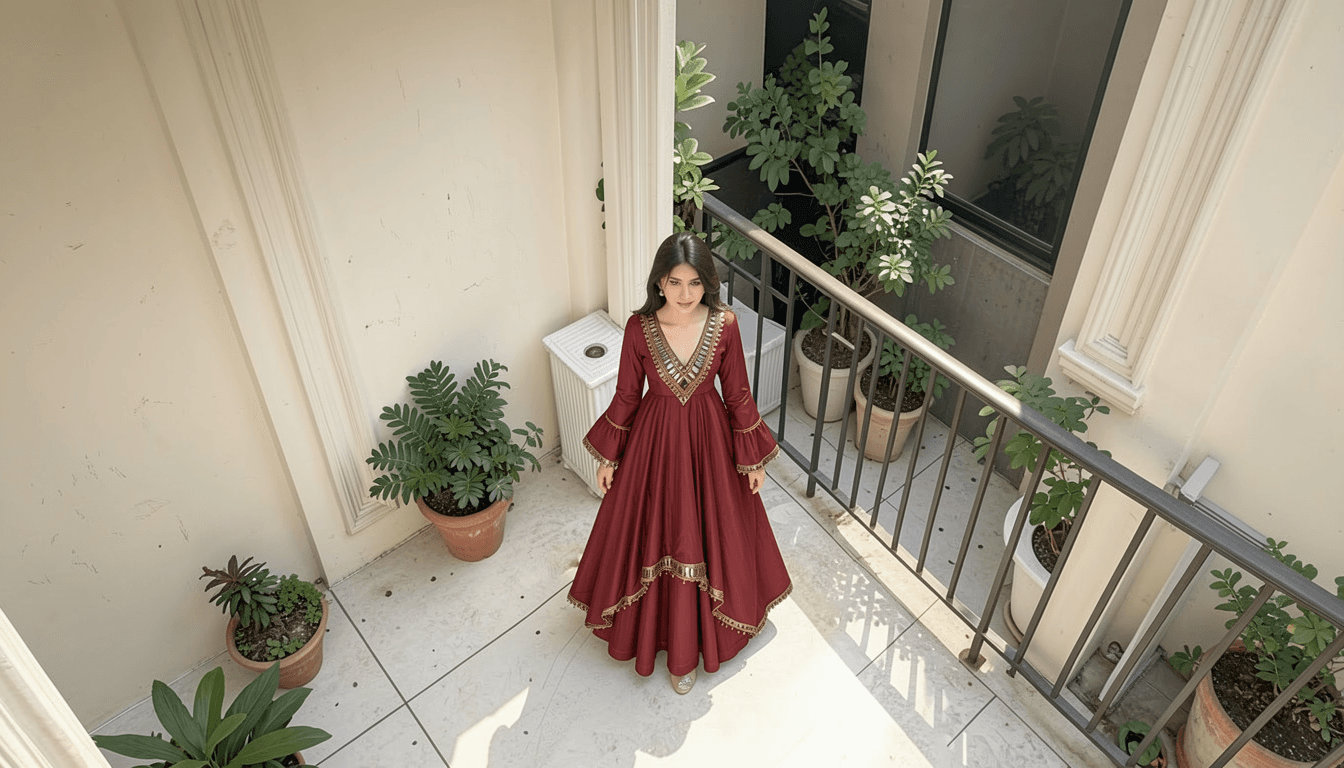 Establishing wide
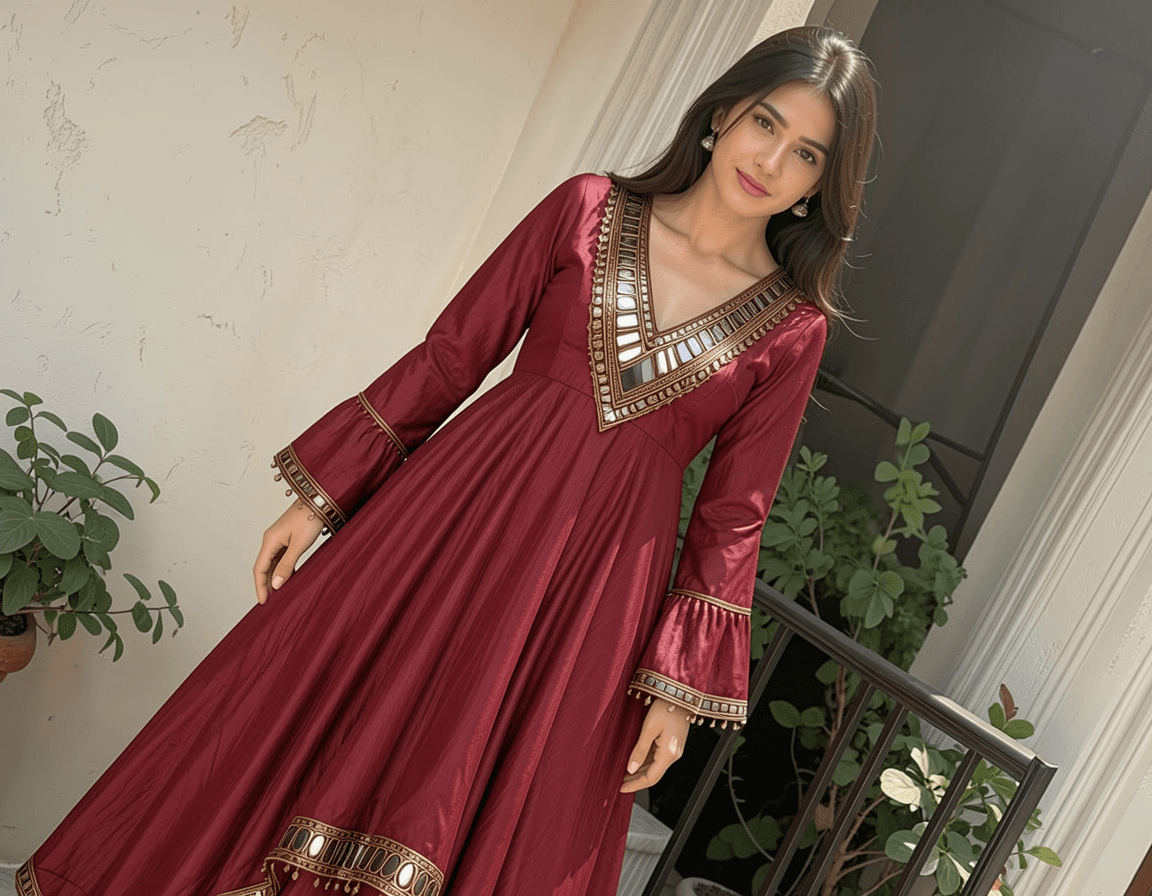 Dutch tilt
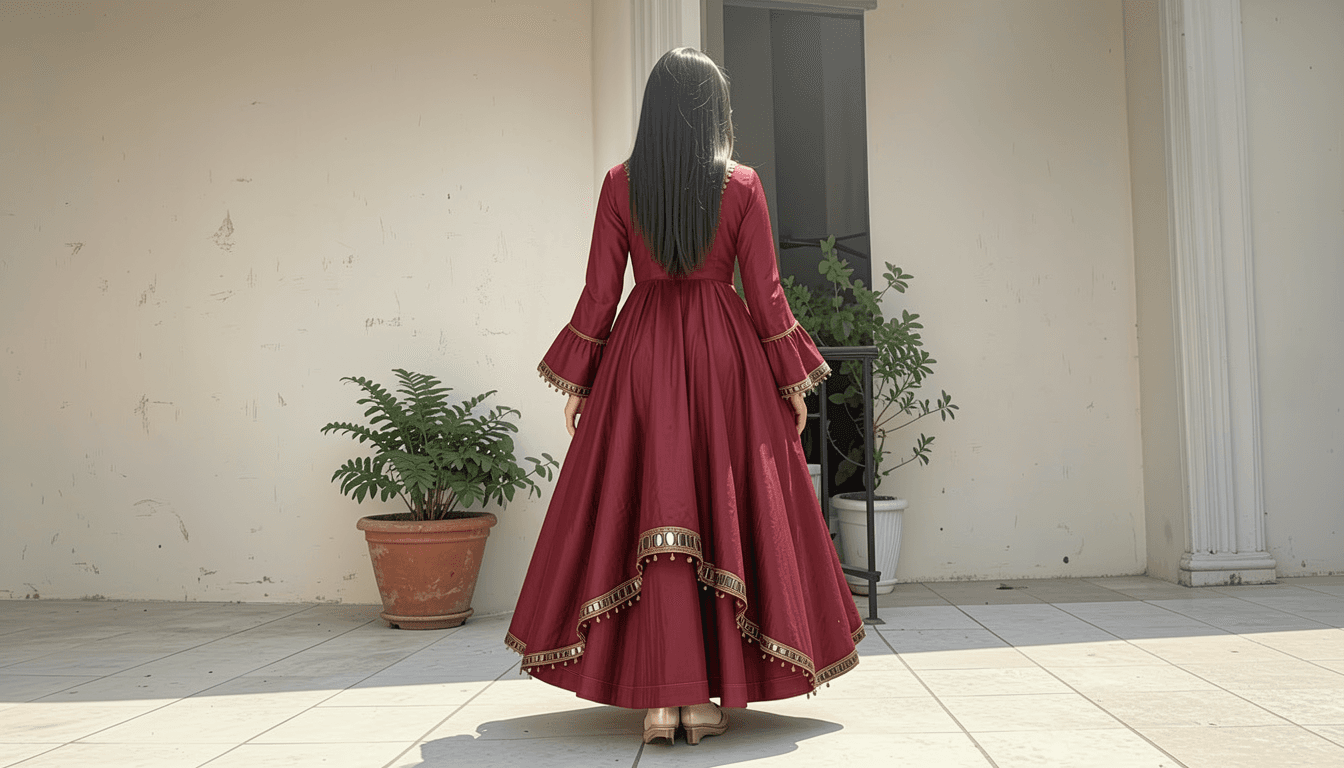 Following behind
What you choose
There is no model to pick here. What you choose is which angles you want, and the sixteen are named the way a camera operator would name them: overhead, low angle hero, high angle, intimate close, extreme close, establishing wide, ground level, dutch tilt, following behind, long lens compression, foreground occlusion, and the rest.
Size, length and time
Two things decide how long a run takes, and both are yours to choose:
- A larger picture takes longer than a smaller one.
- A longer clip takes longer than a shorter one.
That is the whole rule, and it holds for every tool in the console. The button quotes you before you press, so you never have to work it out yourself. Change the size or the length and watch the estimate move.
Asking for more angles is asking for more pictures, so the estimate grows with the number you tick.
How long it takes
Longer than a single picture, because it is making several. The estimate covers the whole set.
Good to know
- It is the same scene, not the same photograph. Small details change between angles, the way they would between two real takes.
- A clear subject works best. A single well-lit object or person gives better coverage than a busy scene.
- Sixteen angles is a lot. Most people pick four or five that suit the job rather than taking everything.
Getting more out of it
This is the tool that pairs best with Image to video: pick the angle you like, then animate that frame.